


-
on sale!

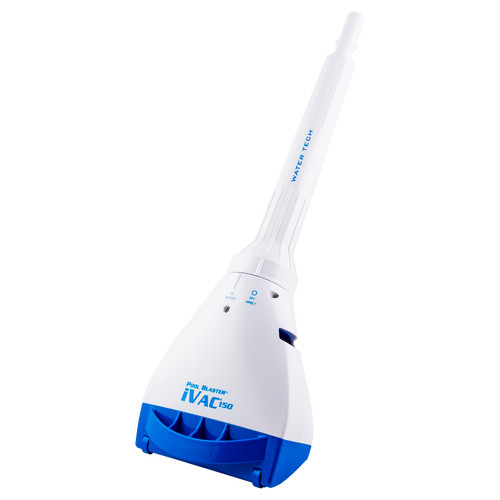
 This charger is compatible with models having 2 pin charging receptacle. CATFISH / CATFISH-Li CATFISH GEN 2 (SKU# 20150CL) CATFISH ULTRA / CATFISH-Li ULTRA CENTENNIAL / CENTENNIAL-Li ECLIPSE / ECLIPSE-Li FX4 / FX4Li IVAC 250 / IVAC 250 Li SPEED...$32.00$35.75
 -
on sale!
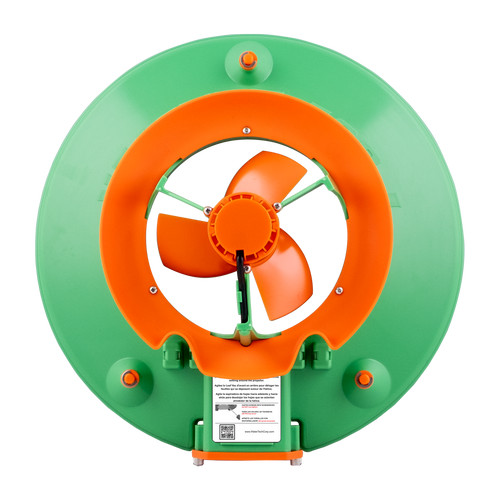
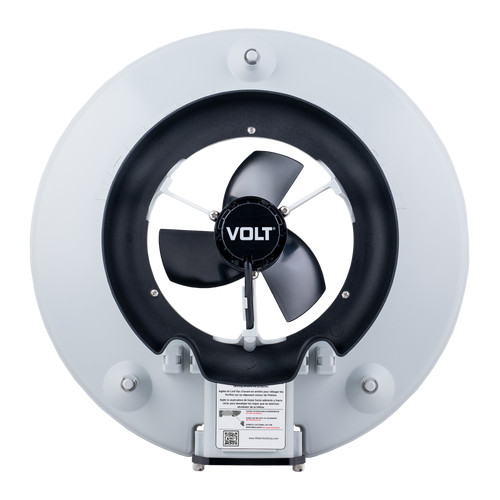
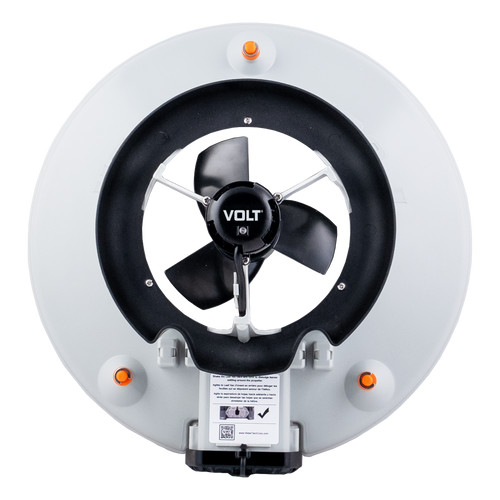
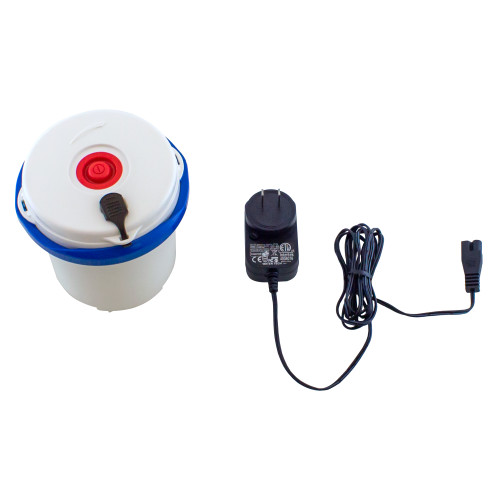 This is our next generation Replacement Battery / Motor Box You can purchase the complete Battery/Motor Box assembly and install it yourself. The motor box assembly includes the following: Motor, Lithium Battery, Cap, hour charger and installation...$39.99$49.99
 -
Sold Out

-
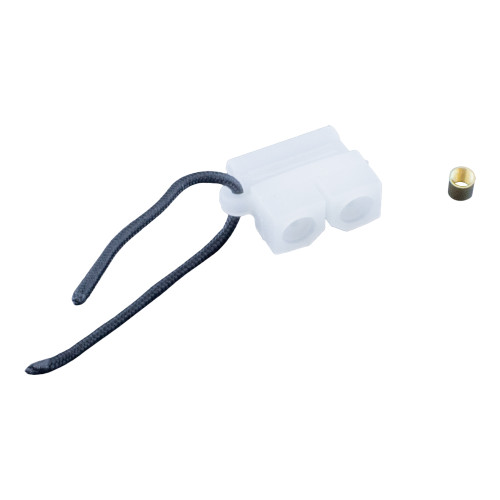
 P77X5501047-Duckbill Valve (Pack 2) for battery powered robot If this part is out of stock, you can purchase a USED part here$19.99
 -
-

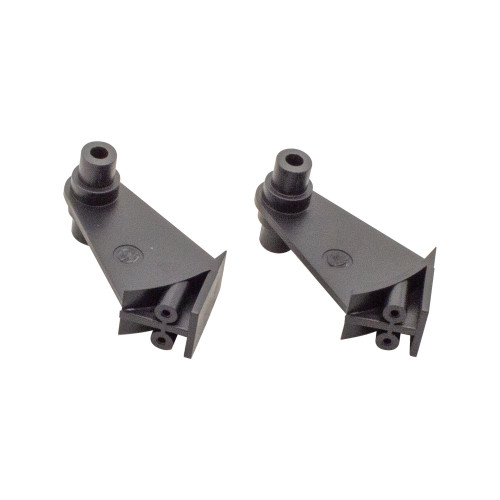
 P77X50157-Replacement valve assemblies for bottom cover (pack of 2) for battery powered robot$22.99
 -

 P77X5014-Bottom Cover assembly (filter bag NOT included) for battery powered robot$74.99
 -

-
-

-

-
Sold Out

Need help finding a part? Enter your cleaner model number
How to Find Your Vacuum Model Number
The model number can be used on our website to find parts and accessories specifically for your vacuum.
There are three ways to locate your vacuum’s model number.
Need Help? Contact Support
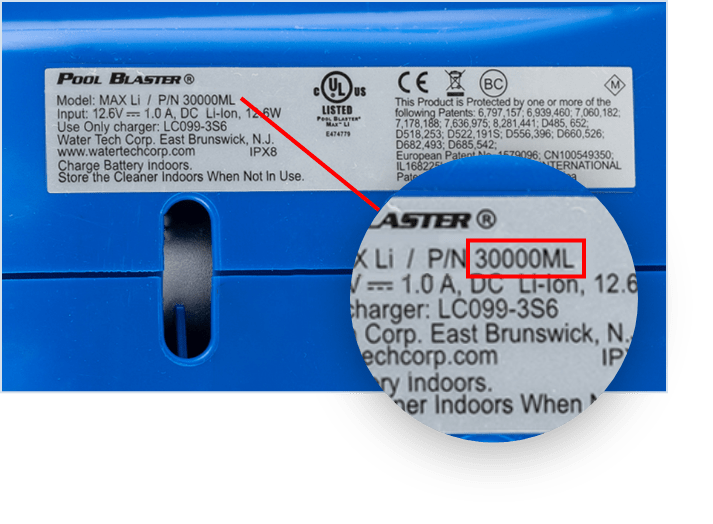
On the Underside of Your Vacuum
- Turn your vacuum upside down.
- On the underside of the machine, you will see a silver sticker with the vacuum’s model number.
- The model number is between 6-7 characters long and contains both numbers and letters.
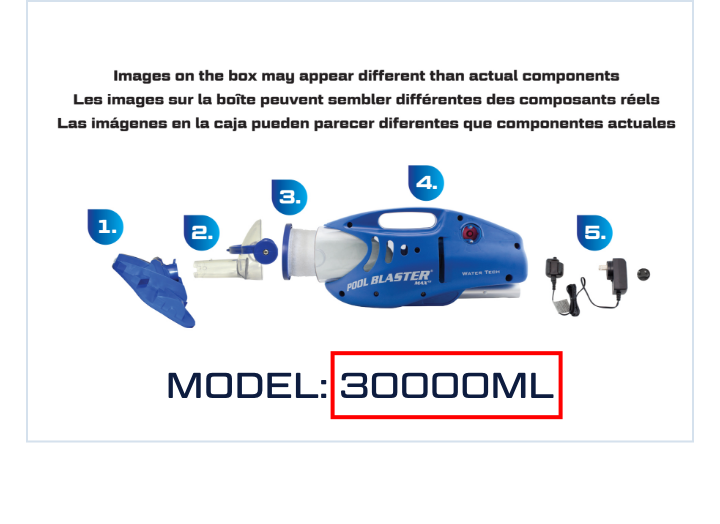
On The Bottom of the Box
Your vacuum’s model number is located on the underside of the box, near the product breakdown image.
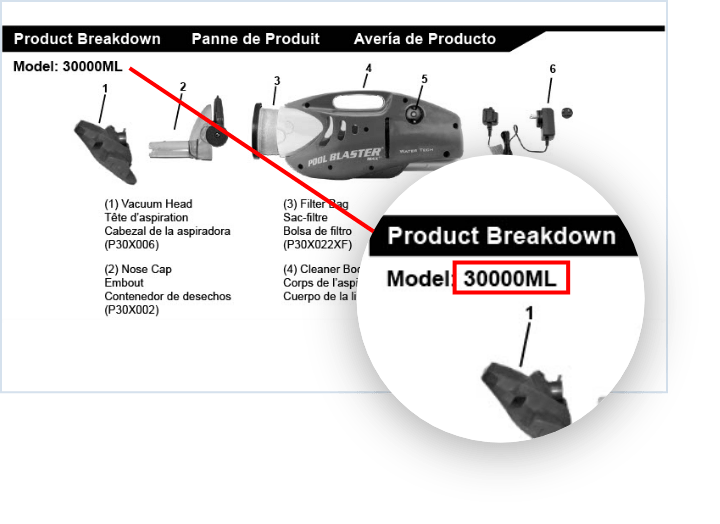
In The Vacuum’s Manual
Your vacuum’s model number is located on the “Product Breakdown” page.